Website powered by

Trim Sheet Generator
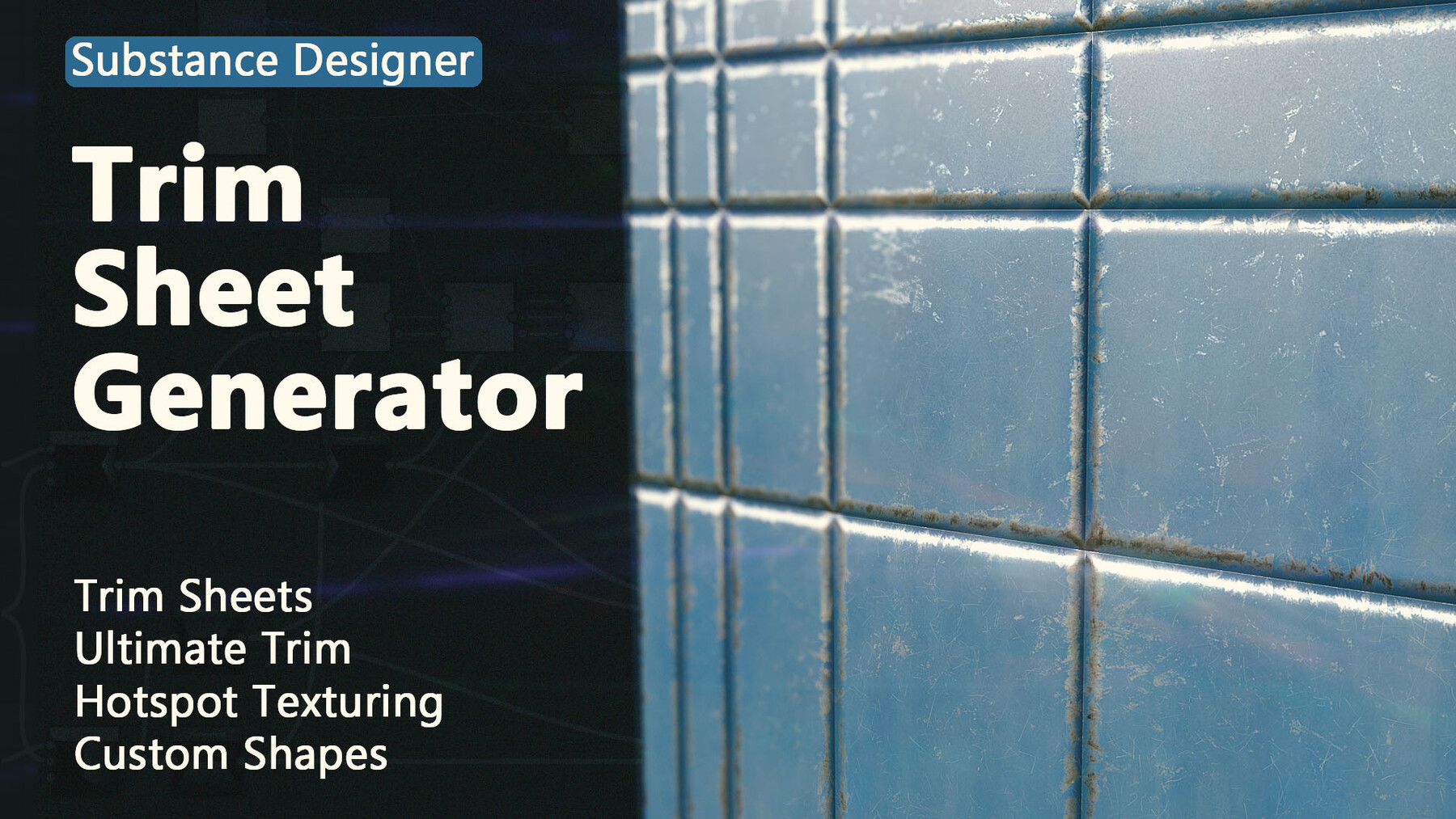
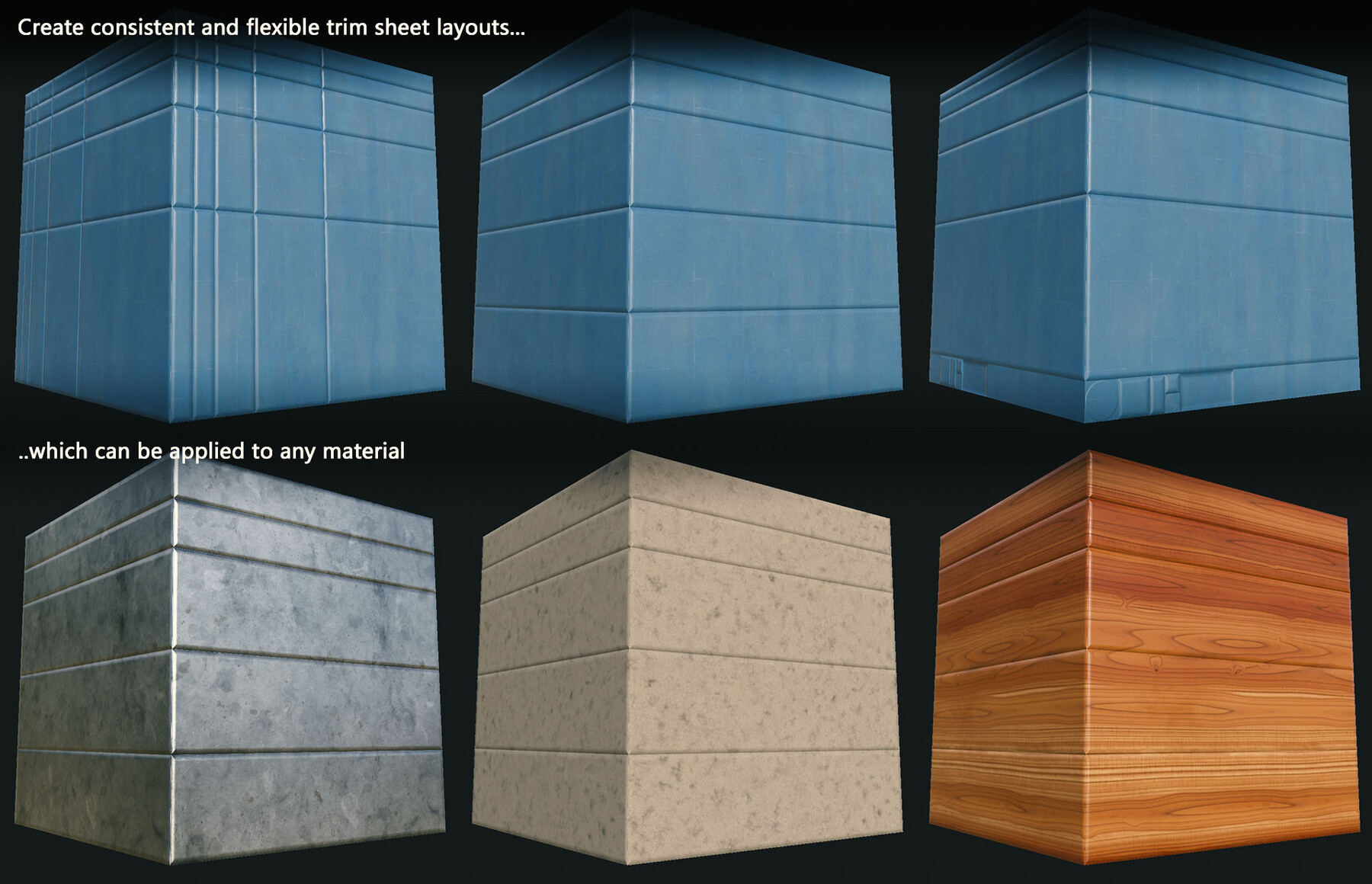
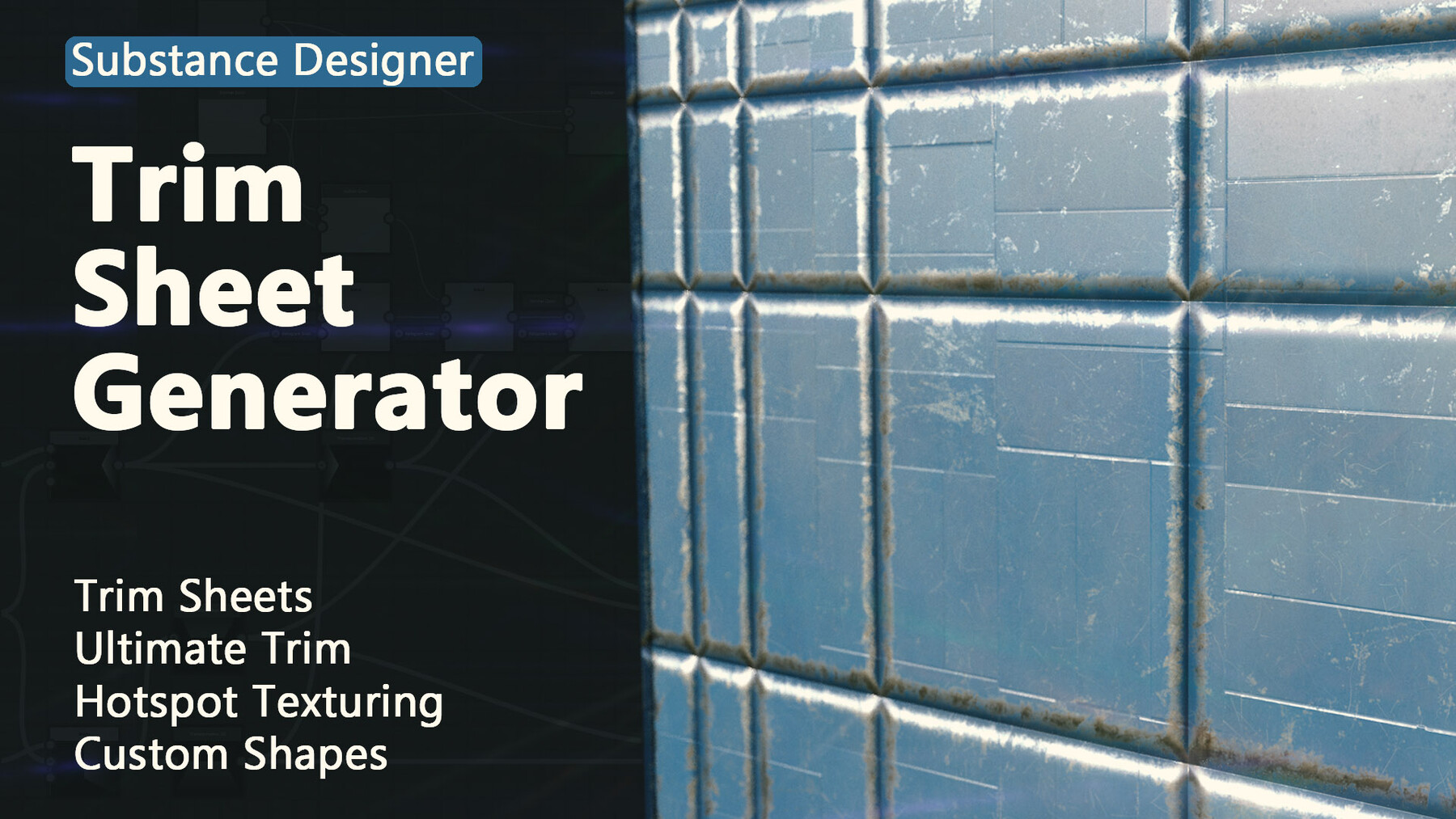
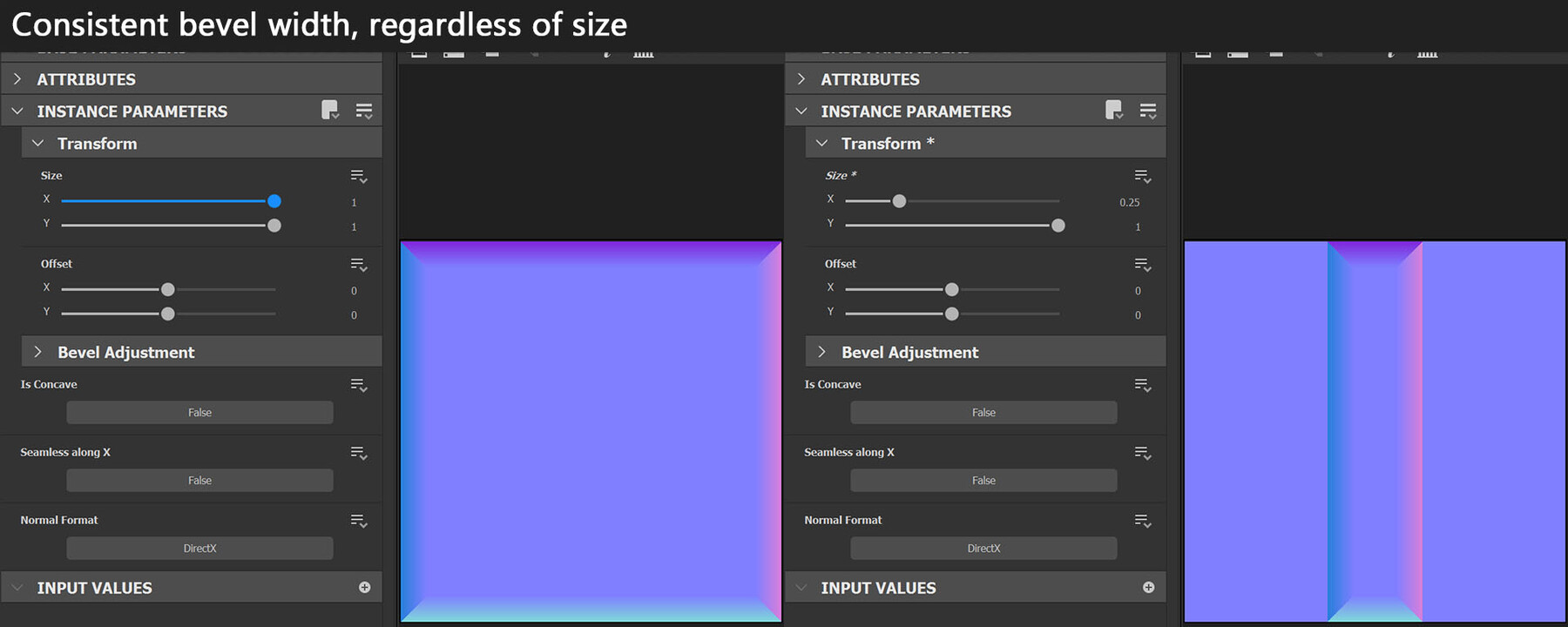
When using Substance Designer to create trim sheets, there are two important things to get right: Creating an exact 45° bevel and maintaining consistent bevel width and roundness throughout all trims. This trim generator does both, making the creation of complex trim sheets easier and faster.

- Creates 45° bevels with consistent width and settings, regardless of the size of each trim element.
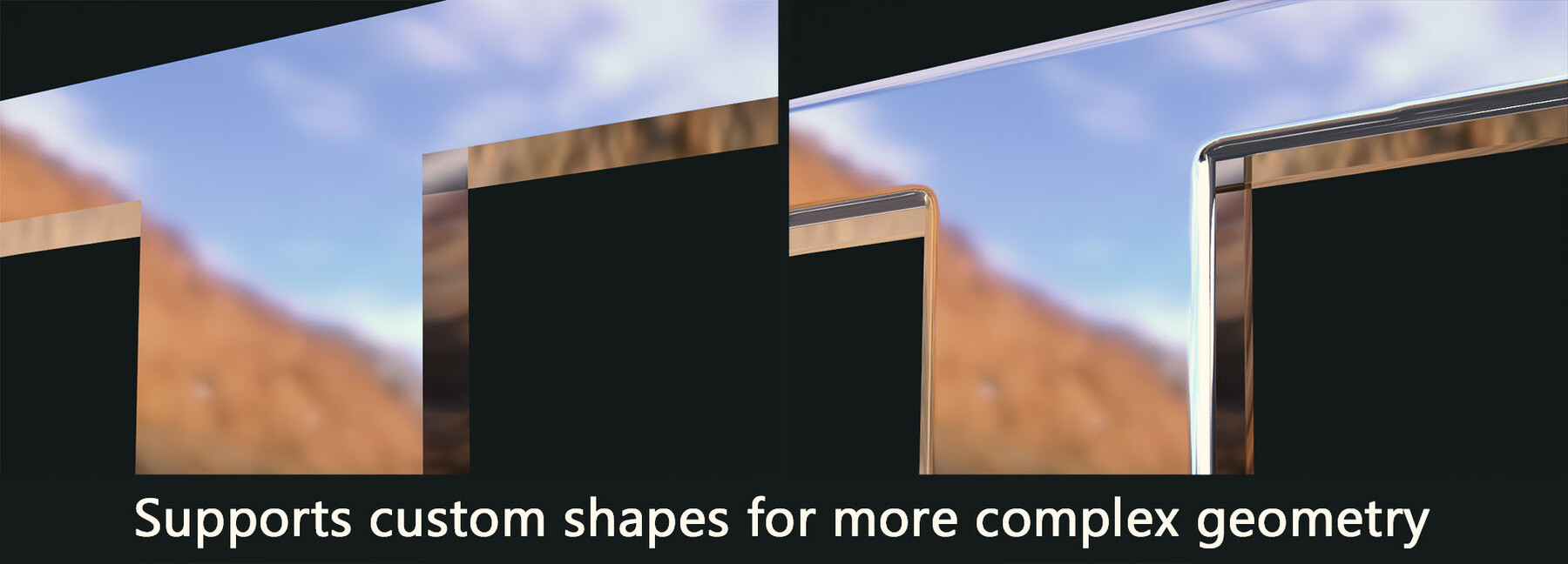
- Supports rectangular, circular or custom shapes
- 3 example layouts: Ultimate Trim, Hotspot Texturing and a common trim sheet collection
- Settings for normal formats, smoothing corners and/or bevels, concave trims, etc.
- Illustrated pdf file with all settings explained
- Outputs height maps for further use for masking, etc.
- All graphs are fully accessible and set up for you to be able to understand and extend them
- Compatible with Substance Designer 2021.1.2 (11.1.2) and later.

Note: The free version only contains the 3 example layouts and the manual, only the full version actually offers all features.

Release Notes

- Fixed missing dependency in sbs that was referencing some test content

Trim Sheet Generator - Commercial License
$10
License: Extended Commercial License
Stock Assets

For use on an unlimited number of commercial projects with no limits on sales or views.

Learn More
The full version of the tool, containing all editable substance graphs and the pdf manual Read MoreRead Less
Files (3)
TrimSheetGenerator
sbs /
340 KB
TrimSheetGenerator
sbsar /
19 KB
TrimSheetGenerator_Manual_FullVersion
pdf /
1 MB
Trim Sheet Generator - Sample Content
$0
License: Standard License
Stock Assets

For personal use and one commercial project (up to 2,000 sales or 20,000 views).

Tutorials

One copy to be used by a single user.

Installable Tools

One installation by a single user.

Learn More
This free version ONLY contains the sbsar file with the 3 example layouts exposed and the pdf manual for the full version. It's intended as a test case for you to see what you can create with the generator, but lacks most features of the commercial version. You can neither create trims for custom shapes, create custom layouts or edit the existing ones. Read MoreRead Less
Files (2)
TrimSheetGenerator
sbsar /
19 KB
TrimSheetGenerator_Manual_FullVersion
pdf /
1 MB